
I get asked versions of the same question: "What should I actually be using if I've got no budget?"
These types of questions usually come from a solo developer or a small team who has spent everything on production and has little left for anything else.
Key takeaways
- You can build, manage, and market a game in 2026 with a genuinely free tool stack, no matter the size of your team.
- Start with Godot for your engine, Kenney for art, GitHub for version control, and Trello for keeping tasks organised.
- Once you have a playable build and a launch window in mind, move on to the free marketing tools for game developers that cover Steam page prep, budgeting, and discoverability.
We are in 2026, and the good news is that the game industry has more useful free tools than almost any other creative field. The tricky part is knowing which ones are worth your time and which ones are a rabbit hole with a login screen at the end.
I've put together this list of free tools for game developers based on what I actually point people toward, including a few we built at The Game Marketer after watching the same problems come up again and again in launches we've worked on. Some are for building your game. Others are for getting it in front of players once it exists, because a great game with no marketing plan is still a game nobody plays.
1. Godot for building your game without a licence fee
If you're choosing an engine and don't want royalties, revenue splits, or a subscription hanging over your head, Godot is a great starting point. It's open source under the MIT licence, which means that there are no strings attached, no royalties, and no cut of your revenue, ever.
It handles both 2D and 3D, exports to desktop, mobile, web, and console through third-party publishers, and the node and scene system is genuinely quick to pick up once it clicks.
It won't replace Unreal for AAA-scale 3D projects, and it isn't trying to. For the kind of small and mid-tier teams I talk to most weeks, it's more than capable, and the fact that your game is yours down to the last line of engine code matters more than people give it credit for.
2. Kenney.nl for placeholder and finished art
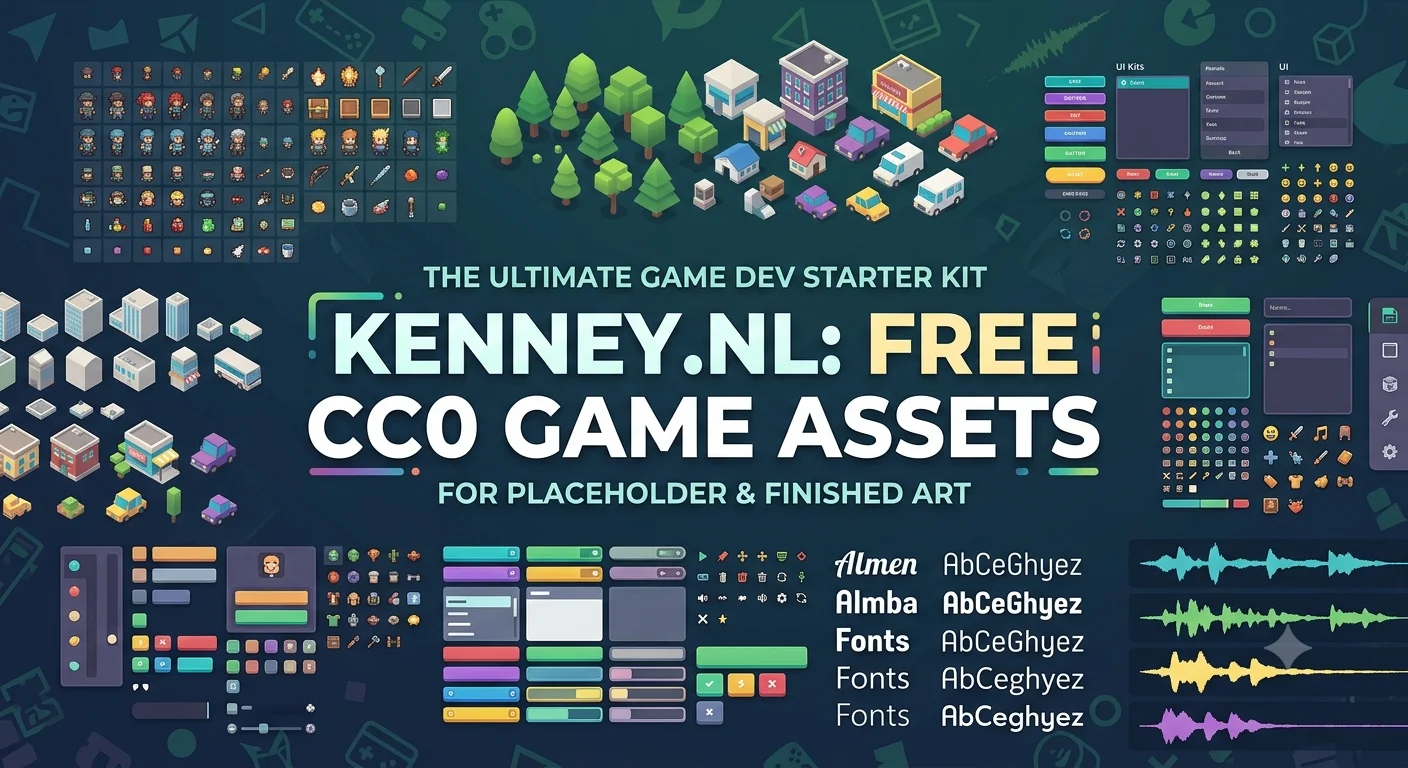
Art is usually the first budget bottleneck for developers working without a dedicated art team. Kenney has been producing free game assets for years, and the individual asset packs, covering sprites, UI kits, 3D models, fonts, and sound effects, are released under CC0. That means public domain. You can use them in a commercial release without attribution and without paying anything.
I tell developers to use Kenney assets for prototyping even if they plan to commission custom art later. Having something that looks coherent from day one, rather than grey boxes and placeholder rectangles, makes it easier to judge whether a mechanic or a level actually works.
3. Piskel for pixel art and sprite animation
If your game leans towards pixel art, Piskel is worth bookmarking. It's a free, open source sprite editor that runs entirely in the browser, with a desktop version available too if you'd rather work offline. Layers, onion skinning, adjustable frame rates, and export to GIF, PNG sprite sheets, or ZIP archives that drop straight into most engines.
It doesn't have the depth of a paid tool like Aseprite. What it does have is zero cost and a low enough learning curve that a non-artist on a small team can produce usable sprite work.
4. GitHub for version control and not losing your work
This one isn't glamorous, but I've seen enough developers lose weeks of work to a corrupted save file or an overwritten build to include it anyway. GitHub's free plan gives you unlimited public and private repositories, a full history of every change, and a place to collaborate with anyone else on the project without emailing zip files back and forth. If you're working solo, it's still worth setting up, because it means one bad session doesn't cost you the last two weeks of progress.
5. Trello for keeping a small team on the same page
Project management tools get complicated fast, and most of them are built for teams far bigger than the one you're running. Trello's free plan is generous enough for a small studio: unlimited cards, multiple boards for your build backlog, marketing tasks, and bug list, and enough structure to stop things falling through the cracks without forcing you to learn a new system.
I use a board-per-workstream setup with most of the teams I advise, one for development, one for marketing and launch, so the two don't get tangled together.
6. Our Steam Launch Checklist for planning the whole release
This is one of ours, and I'm including it because it solves a problem I watched play out on launch after launch before we built it: developers doing marketing tasks in the wrong order, or not at all, because nobody laid out what needs to happen and when.
The Steam Launch Checklist covers every marketing task across the seven phases of a Steam launch, from Steamworks setup and capsule art in pre-production through to the post-launch content loop that keeps a game selling once the release week noise dies down. Every task is tagged with a category, a recommended timing, and an impact level, so you know what to prioritise if you're short on time or hands.
7. Marketing Budget Estimator for working out what to spend
The second most common question I get, right after "what tools should I use," is "how much should I actually be spending on marketing?" It's a harder question than it sounds, because the honest answer depends on your platform, genre, and how much you've already invested in development.
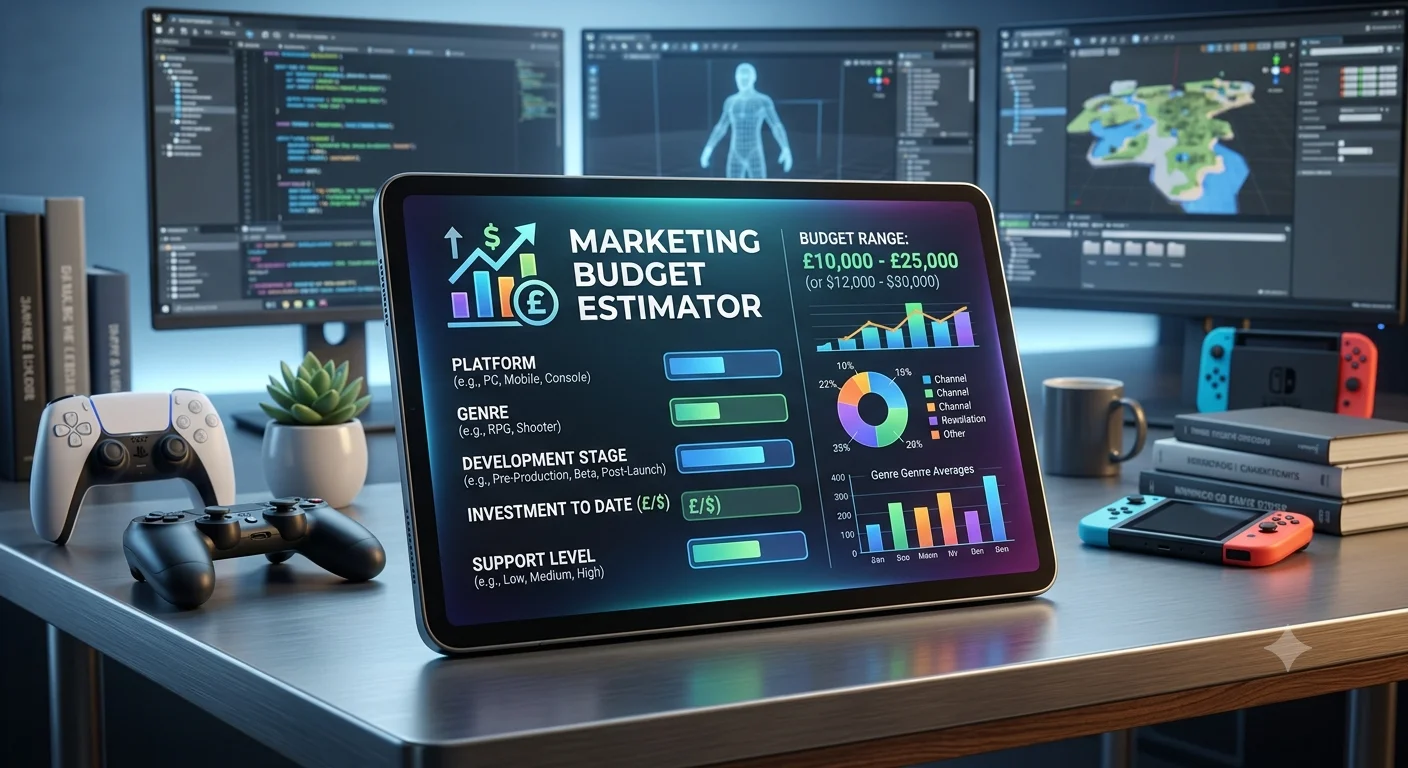
The Marketing Budget Estimator takes five inputs: your platform, genre, development stage, investment, and preferred level of support, and returns a realistic budget range using real campaign data across PC, mobile, and console launches. It won't tell you exactly what to spend down to the pound, and no calculator honestly can, but it gives you a grounded starting point instead of a guess pulled from a forum thread.
8. Steam Tag Optimizer for getting found on the store page
Steam's discovery algorithm leans heavily on tags, and I still see developers picking them almost at random or copying whatever a competitor used without checking if it fits. The Steam Tag Optimizer helps you work out which tags actually match your game and give you the best shot at landing in front of the right players, rather than tags that sound right but do nothing for your visibility.
Getting this right costs you nothing and takes a few minutes, and it's one of those small, unglamorous decisions that quietly affects everything downstream, from wishlists to your eventual review score.
9. Game Name Generator for when you're stuck on a title
Naming a game is harder than it looks, especially once you factor in whether the name is memorable, searchable, and not already taken by twelve other Steam listings. Our Game Name Generator is a quick way to get unstuck when you've been staring at a blank naming document for too long. It won't do the final decision for you, but it's a genuinely useful way to generate directions you hadn't considered.
10. China Readiness Quiz for developers looking at a bigger market
China is one of the largest game markets in the world, and one of the least understood by Western developers. The storefronts, the approval process, and the platforms your players actually use are entirely different from what you're used to on Steam or mobile in the West. Our China Readiness Quiz is a quick way to find out where your game currently stands against what's needed to launch there, and what to look at next if you decide it's a market worth pursuing.
It isn't a tool every developer needs on day one. For anyone with China even loosely on the roadmap, it's worth five minutes to find out early rather than a year into planning a launch.
How to choose free game development software
When I advise developers on which tools to actually commit to, I rank them against three things:
- Cost now and later. Free today doesn't always mean free forever. Check whether a tool has hidden royalties, revenue caps, or a paywall waiting once you're further along.
- Fit for your genre and scale. A tool built for 2D pixel art won't serve you well on a large 3D world, and a mobile-first workflow looks nothing like a PC and console one.
- Time to value. How quickly can someone who isn't a specialist get something usable out of it? On a small team, that matters more than raw feature depth.
That's why this list leans toward tools like Godot, Kenney, and Trello. They're free, flexible, and fast to get productive with, whatever size your team is.
Priorities: the best free tools for game developers to use first
If I had to rank these for a developer with genuinely no budget and limited time, I'd start with your engine and art tools first, because you need a game before you need a marketing plan for it. Once you've got something playable and you're starting to think about a release date, that's the point to move into the launch and discoverability tools, ideally with enough runway before launch to actually act on what they tell you.
We keep the full set of free tools we've built for developers in one place if you want to come back to any of these later. If you'd rather talk through where your game currently stands, we're happy to have that conversation.
Philip Driver and his team have spent years working with game studios and solo developers on marketing strategy and launch planning, and has advised on campaigns across PC, mobile, and console releases.
FAQs
Q- What free tools do game developers actually need?
At minimum, an engine, a way to produce or source art, version control, and some form of project management. Beyond that, tools that help with your Steam page, tagging, and marketing budget become important once you're within a few months of launch.
Q- What are the best free tools for game developers in 2026?
It depends on your stage. For building, Godot, Kenney, and Piskel cover engine and art without cost. For organising a team, GitHub and Trello are free and reliable. For launch, tools like a Steam tag optimizer and a marketing budget calculator remove a lot of the guesswork once you're within a few months of release.
Q- Are free game engines like Godot good enough for a commercial release?
Yes. Godot is used for commercial releases across PC, mobile, console, and web. It's not the right fit for every project, particularly very large-scale 3D games, but for the majority of game teams it holds up well.
Q- How much should I budget for marketing my game?
It depends heavily on your platform, genre, and development investment. Our Marketing Budget Estimator gives a realistic range based on real campaign data if you want a starting point rather than a guess.